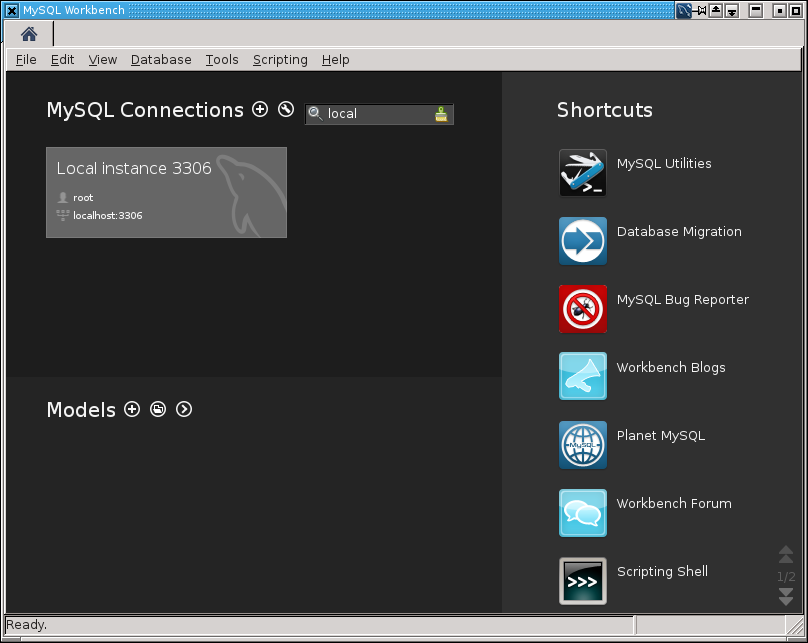
MySQL Workbench - passwords not being saved in keychain

If you have problem, that your MySQL Workbench can’t save passwords for your MySQL connections, try to start mysql-workbench in verbose mode. Maybe you will see a error:
$ mysql-workbench --verbose
** Message: Gnome keyring daemon seems to not be available. Stored passwords will be lost once quit
['un\\"o', 'do``s']
Ready.

Thread started
Make sure than gnome-keyring is installed:
Try to start MySQL Workbench this way, this will fix your problem:
[ -z "$GNOME_KEYRING_CONTROL" ] \
  && export $(gnome-keyring-daemon --replace) \
  && mysql-workbench --verbose
This will work too:
If you are using KDE, add this to /etc/pam.d/kdm:
Similiar instructions you can find here.
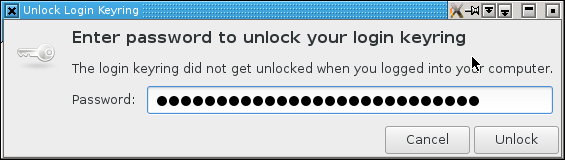
You can add initialization of GNOME_KEYRING_CONTROL environment variable into your KDE Icon setting: 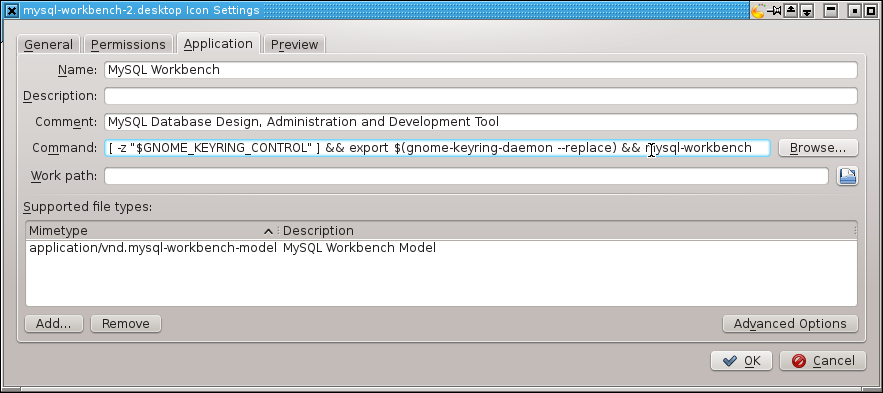 If you do everything correctly, you will see window from gnome-keyring when you start your MySQL Workbench program:
Enjoy!